

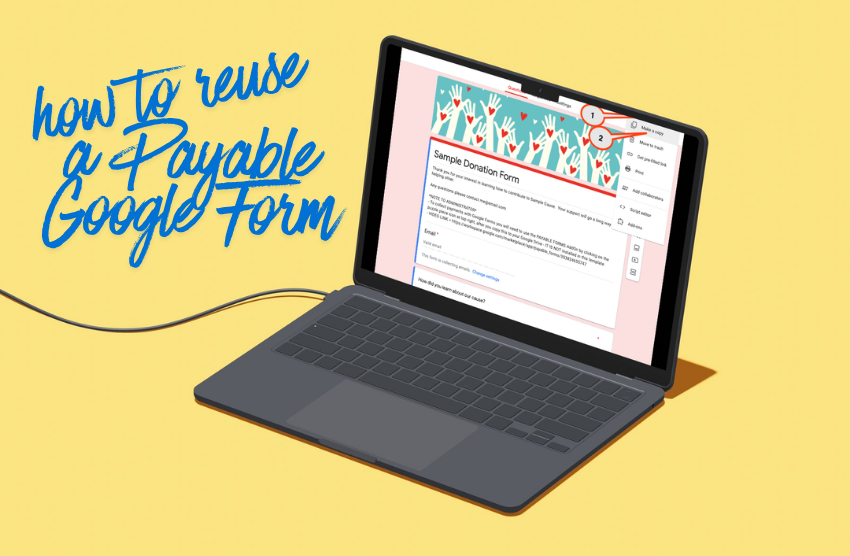
If you’ve already created a Payable Google Form, you don’t always need to start from scratch the next time you run a similar event, offering, registration, or payment flow.
There are two easy ways to reuse an existing Payable Google Form, and the best option depends on whether you want to keep using the same form or create a separate, new version.
Option 1: Update Your Existing Form
The quickest and simplest option is to edit the Google Form you already have connected to Payable.
Just open your existing form and update any information that has changed, such as:
- Dates
- Pricing
- Product or event details
- Descriptions or instructions
Benefits of Updating Your Existing Form
This option is ideal if:
- You want the fastest setup possible
- Your form structure is staying mostly the same
- You don’t need to preserve a previous version separately
Because the form is already connected to Payable, you can make your updates and not need to setup a new form. This is a great choice for recurring registrations, repeat events, or ongoing payment collection.
Once you’re finished updating your form be sure to Sync Theme to push these changes through to your Payable checkout page – whenever you update your form’s title, theme, description, or header this is a necessary step. It’s important to note that doing so will update these aspects of all past invoices; depending on your use case this may cause confusion if there’s a chance you or your customers will be referencing older invoices.
Option 2: Duplicate the Form and Create a New Payable Form
If you’d prefer to keep your original form untouched, you can make a copy of the Google Form and use it as the foundation for a new Payable Form.
How to Duplicate a Google Form
- Open the original Google Form
- Click the three dots in the top-right corner
- Select “Make a copy”
- Rename the copied form
- Update the form details as needed
Once your copied form is ready, go into the Add Ons menu and set it up as a brand-new Payable Form.
Benefits of Duplicating Your Form
This option is especially useful if:
- You want a clean slate for a new cycle or event
- You’re making significant workflow changes
- You want to keep separate the submissions and order data between your different payment events
- You want the form title and description on your past receipts to remain unchanged
Duplicating helps keep historical forms and data separate while still saving you time by reusing your existing form structure.
Which Option Should You Choose?
Here’s a simple way to decide:
- Update your existing form if you want speed and simplicity.
- Duplicate the form if you want a fresh version while keeping past forms organized and intact.
Both methods can save time and make it easier to manage recurring forms and payments in Payable.
Watch this quick video tutorial to see these 2 options in practice –